Botanical Studies
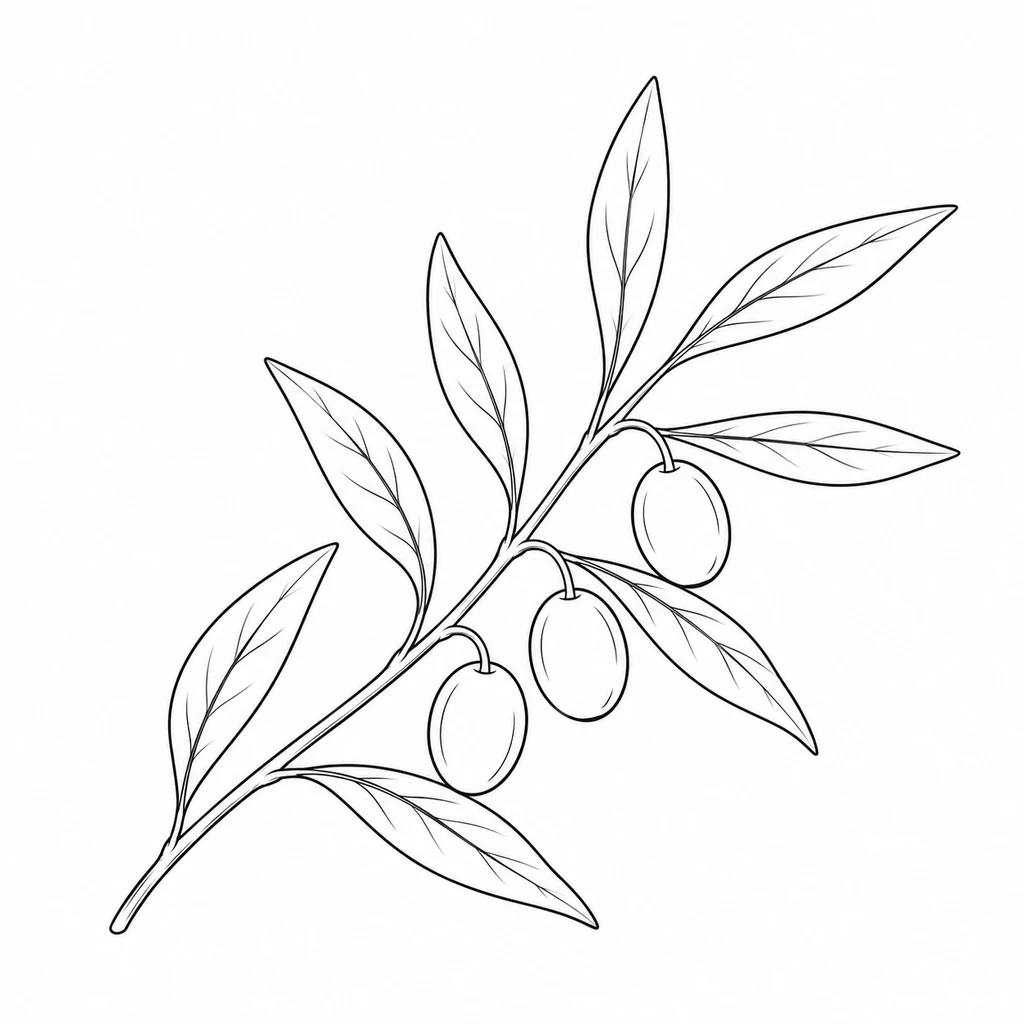
A single olive branch with narrow paired leaves and three small olives, clean contours, sparse leaf veins, no background.
Suggested starting settings: No Background · 1:1 · 1K
 Picture To Coloring Page
Turn an idea into a line drawing with our AI line art generator. Describe a botanical study, a still life, or an imagined place, choose an outline style, then download or print your result. Start with text, or switch to Photo to use a reference image.
Describe your subject, then choose a line art style, aspect ratio, and resolution.
Sign in to view your line art and generation history.
Start in Text and name the subject, composition, and important contours. Try the olive branch prompt below, or describe a still life or a building. To work from a reference image, switch to Photo.
Choose Simplified, No Background, Vintage, or Full line art. Set an aspect ratio and 1K, 2K, or 4K resolution, then sign in and review the displayed credit cost before generating.
Preview the outlines, download the image without an added watermark, or open the print dialog. Your text-based drawings and photo conversions appear together in your Image to Line Art history.
Adapt these prompts to create a botanical study, a still life, or an architectural drawing. The AI-created illustrations show prompt ideas, rather than recorded results from this generator; your output will vary.
A single olive branch with narrow paired leaves and three small olives, clean contours, sparse leaf veins, no background.
Suggested starting settings: No Background · 1:1 · 1K
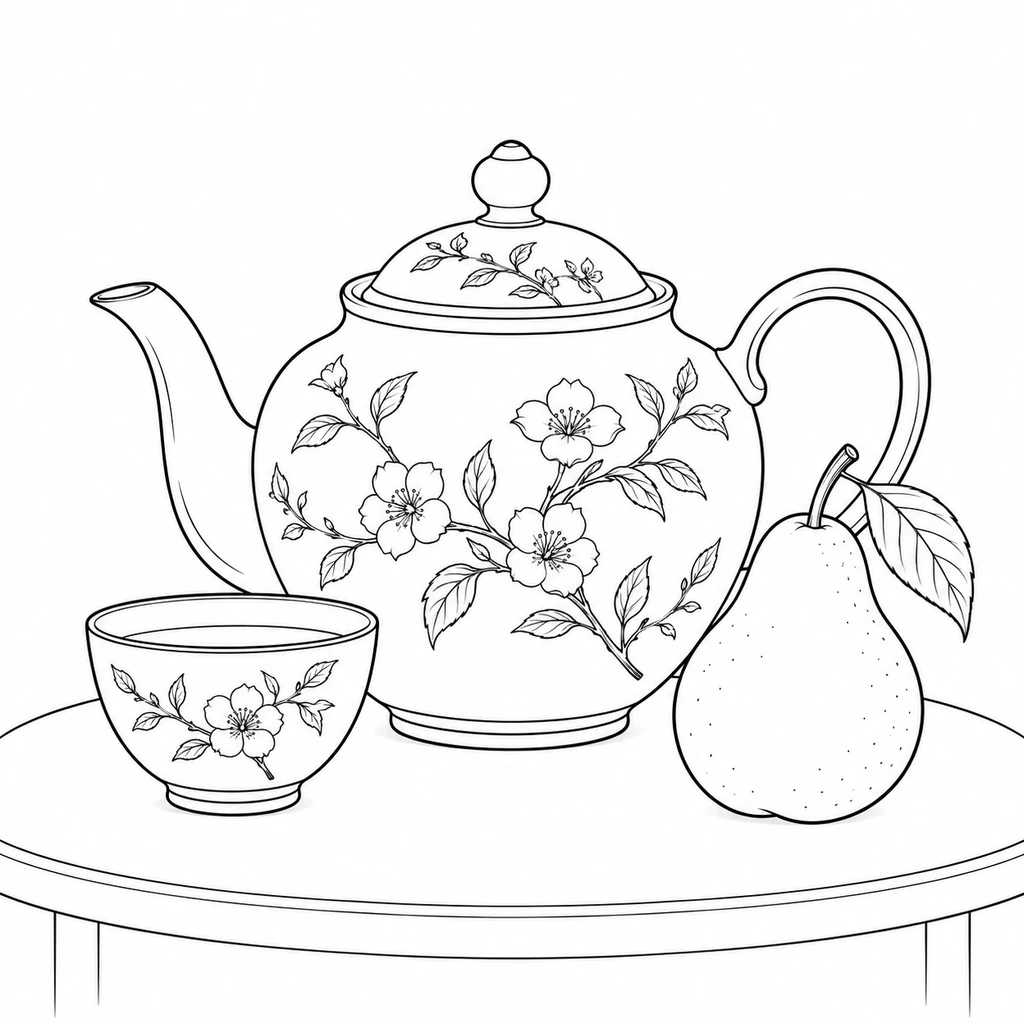
A ceramic teapot, a small teacup, and a pear on a tabletop, balanced composition, clear contours, a few interior details.
Suggested starting settings: Simplified Line Art · 1:1 · 1K
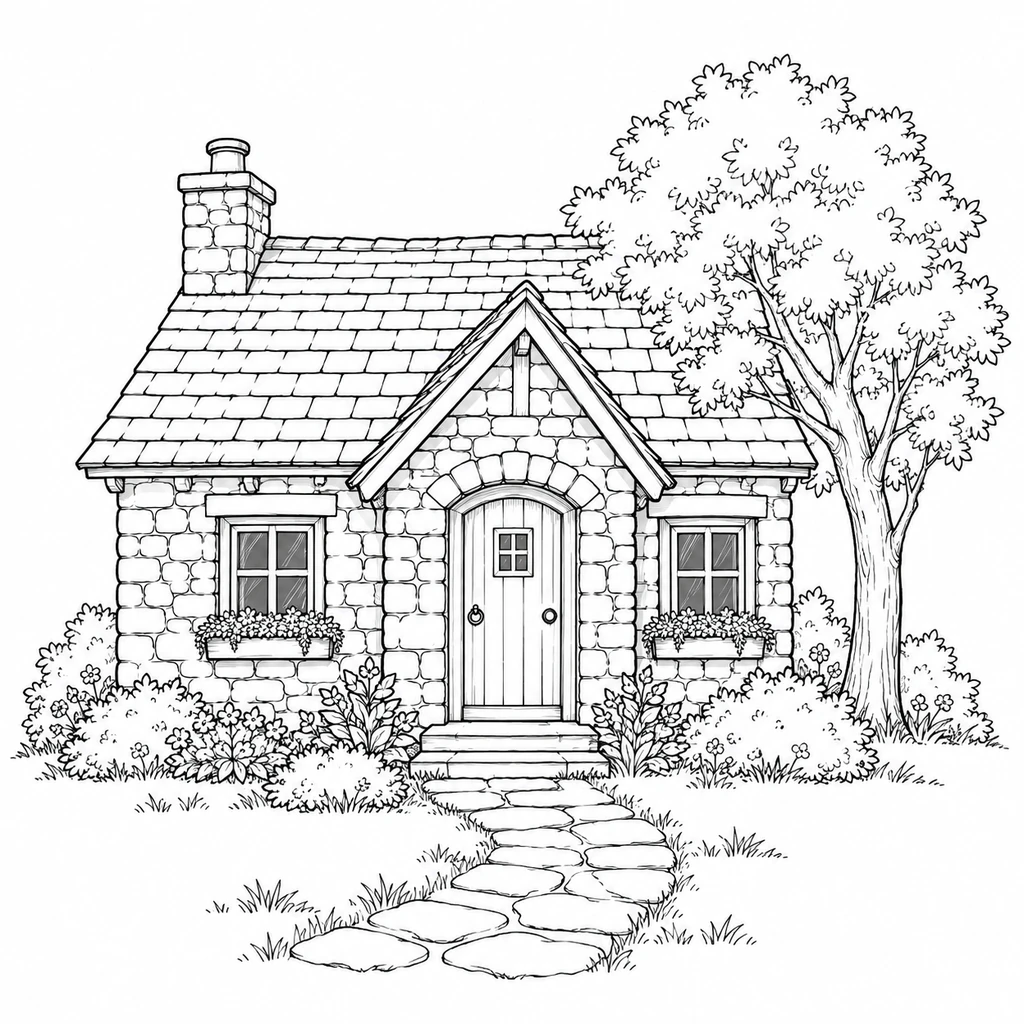
A small stone cottage with a pitched roof, two windows, and a tree beside it, a short path to the door, readable architectural contours.
Suggested starting settings: Full Line Art · 1:1 · 2K
Describe what the drawing should contain and which contours matter. Keep the first prompt focused, then refine one detail after checking the result.
Subject + composition + important contours + background
A ceramic teapot beside a small cup, centered on a tabletop, clear outer contours, minimal interior detail, no extra scenery.
Name a specific object or scene. “One olive branch with narrow leaves” gives a more focused starting point than a long list of unrelated objects.
Use No Background to isolate a subject on white, Simplified for fewer lines, Vintage for organic pen-and-ink contours, or Full for more scene detail.
Check proportions, small features, and overlapping contours. If the drawing feels crowded, remove extra objects from your prompt or choose Simplified line art.
STYLE EXAMPLES
These photo-based examples illustrate the four available styles. Your own text prompt determines the subject of your drawing.
Essential contours with fewer interior details.
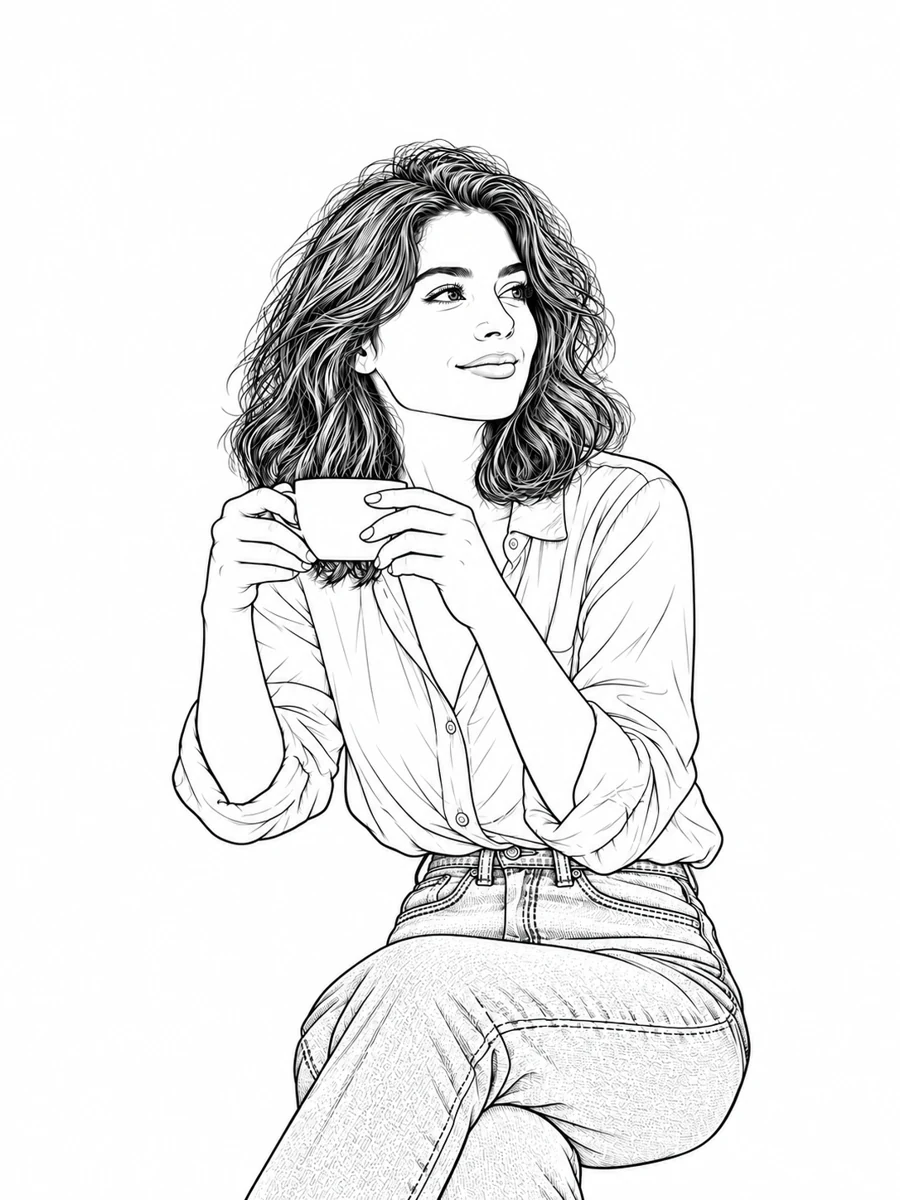
An isolated subject on white, without surrounding scenery.
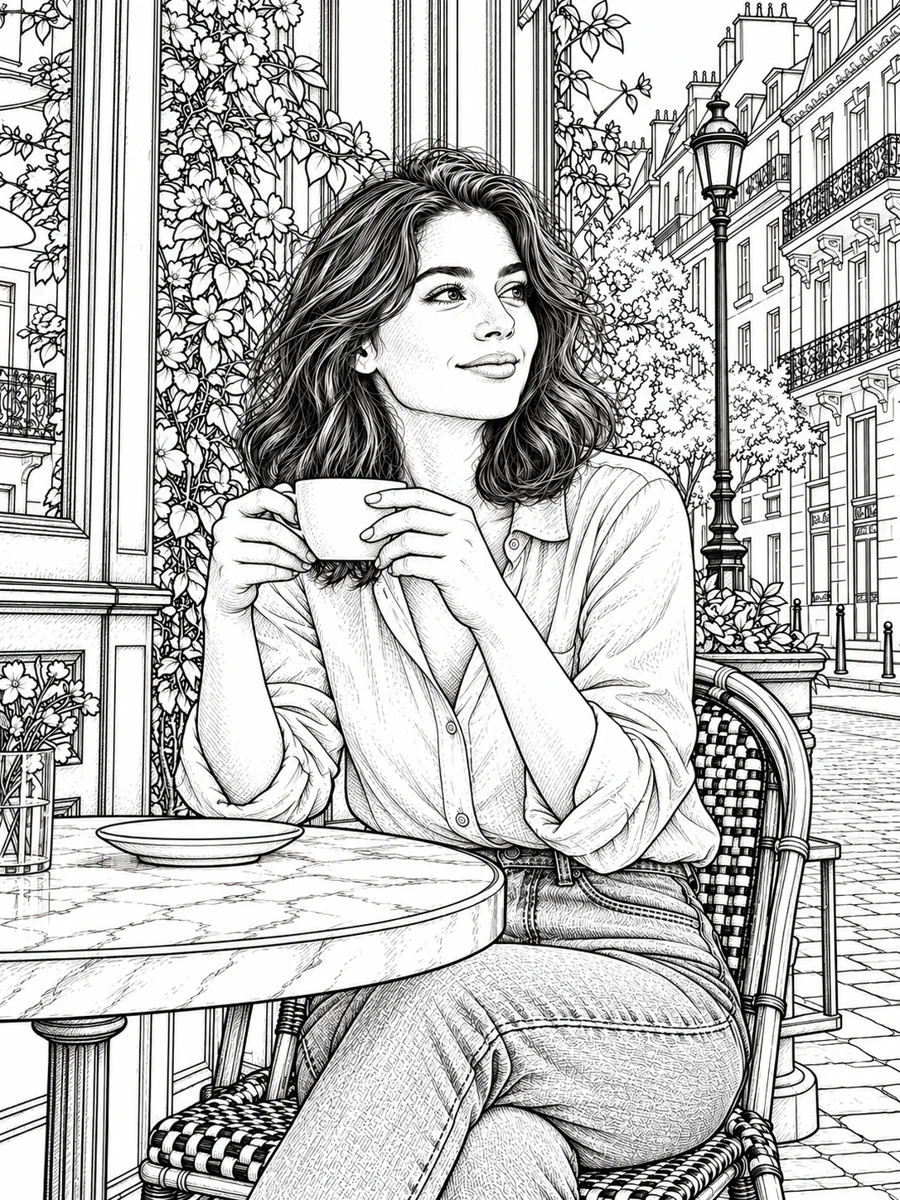
Organic pen-and-ink contours with subtly varied line weight.
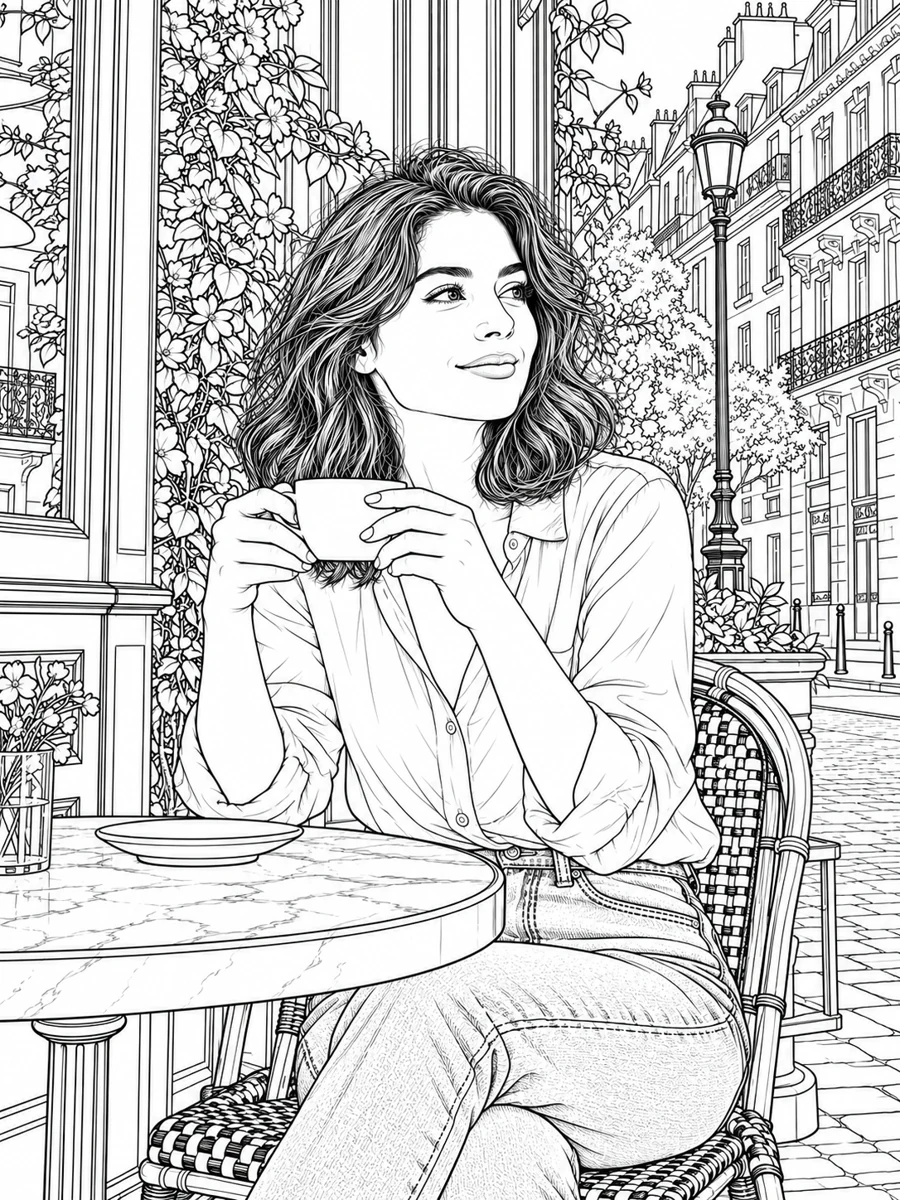
More contours across the subject and surroundings.
Choose an input and outline treatment that suit your subject and the way you plan to use the drawing.
Describe a subject and composition to explore a new line drawing. Build a botanical study, arrange a still life, or imagine a place without first finding a reference photo.
Simplified emphasizes essential contours, No Background isolates the subject on white, Vintage uses expressive pen-and-ink contours, and Full keeps more scene detail.
Explore botanical shapes, still life arrangements, or architectural scenes. Review the generated proportions and contours before using them for tracing or a drawing study.
Select 1K, 2K, or 4K before generating. Higher resolutions use more credits. Downloads are image files without an added watermark; this tool does not export editable SVG paths.
Use the browser print dialog to choose paper size, orientation, and fit. When supported by your browser, select Save as PDF from the same dialog.
Register to receive trial credits and sign in to generate. Each new version uses credits. Review the displayed cost and available balance before submitting.
Answers about prompts, styles, photos, credits, and downloads.
Describe a subject, explore an outline style, and create a drawing with our AI line art generator.
Try the Line Art Generator