
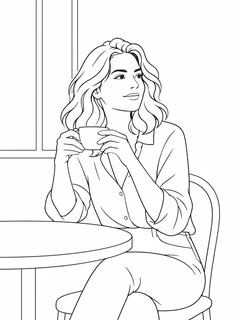
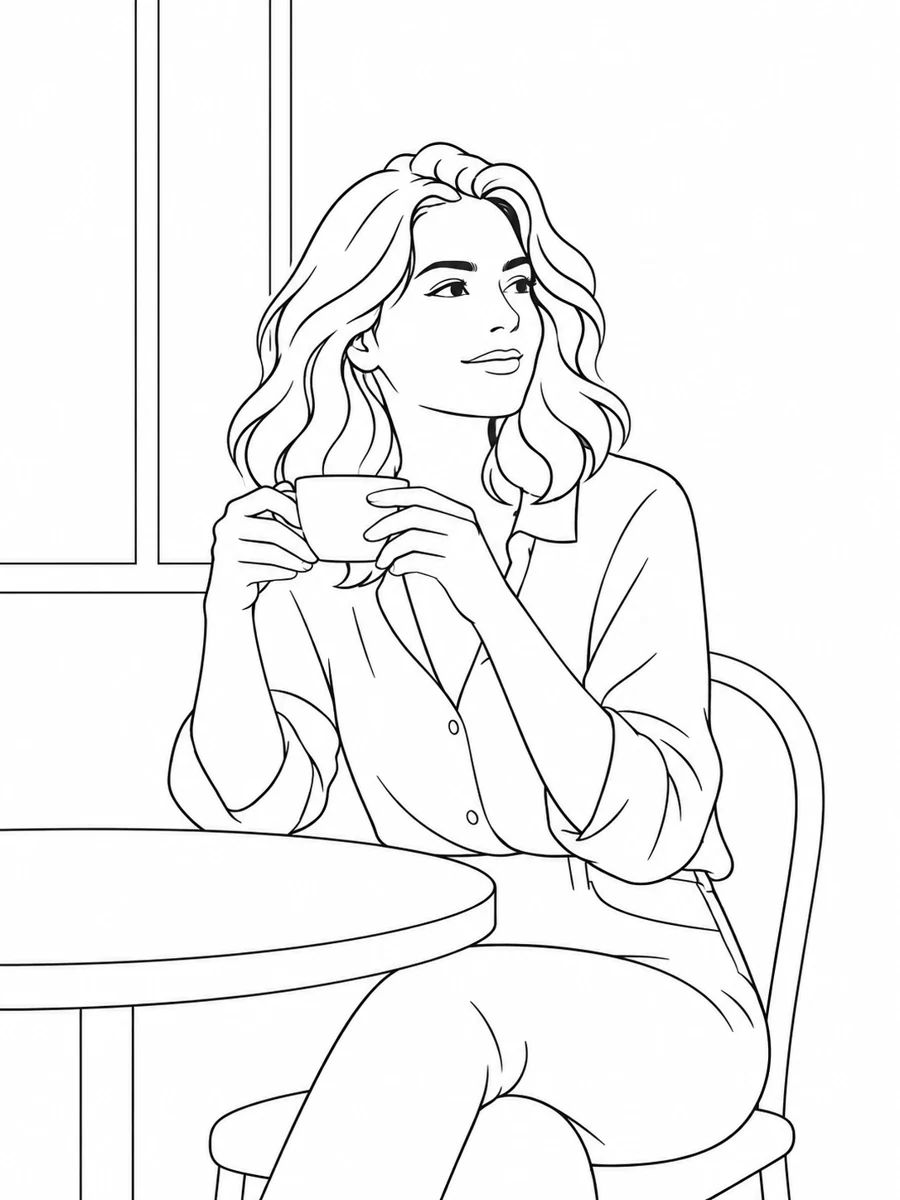
Simplified Line Art
Reduce visual clutter and emphasize essential shapes. An approachable reference for beginner sketching, tracing, and composition studies.
 Picture To Coloring Page
Turn portraits, pet photos, landscapes, and everyday objects into outline drawings with our AI image to line art converter. Choose from four styles, preview the result, and download a drawing reference. Sign in to generate with credits; eligible new accounts can try signup credits.
Upload a picture or describe your idea, choose a style, then preview your line art.
JPG, PNG or WebP · Up to 10 MB

Sign in to view your line art and generation history.
Upload a JPG, PNG, or WebP photo with a distinct subject, or switch to Text and describe the subject you want to draw.
Choose Simplified, No Background, Vintage, or Full Line Art for your project. Sign in, check the credit cost, and generate your drawing.
Review the outlines and composition, then download your image. To save a PDF, choose Print and Save as PDF in your browser.
Explore four line art styles: simpler contours, an isolated subject, vintage ink character, or a detailed scene.
Reduce visual clutter and emphasize essential shapes. An approachable reference for beginner sketching, tracing, and composition studies.
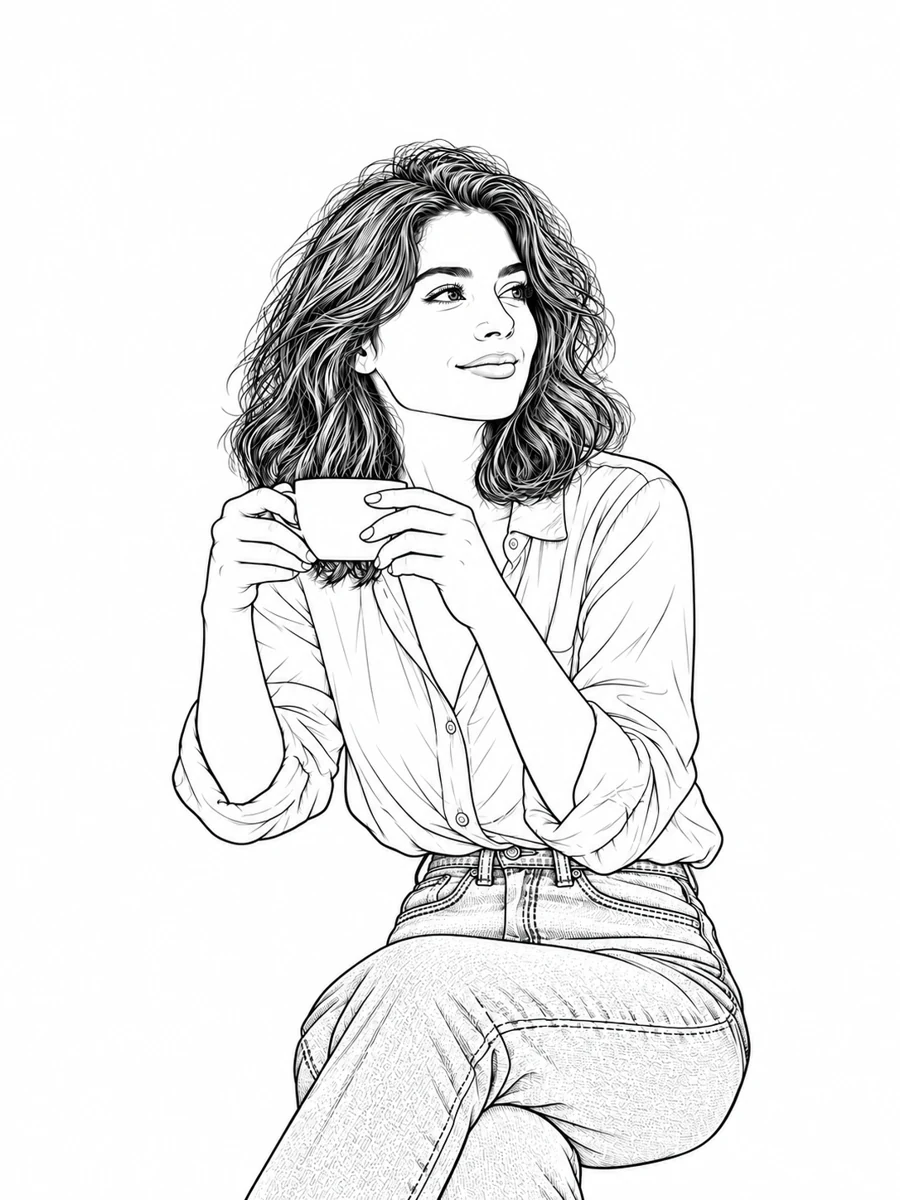
Keep attention on a person, pet, or object. Omit surrounding scenery to create an isolated outline on white that is easier to study.
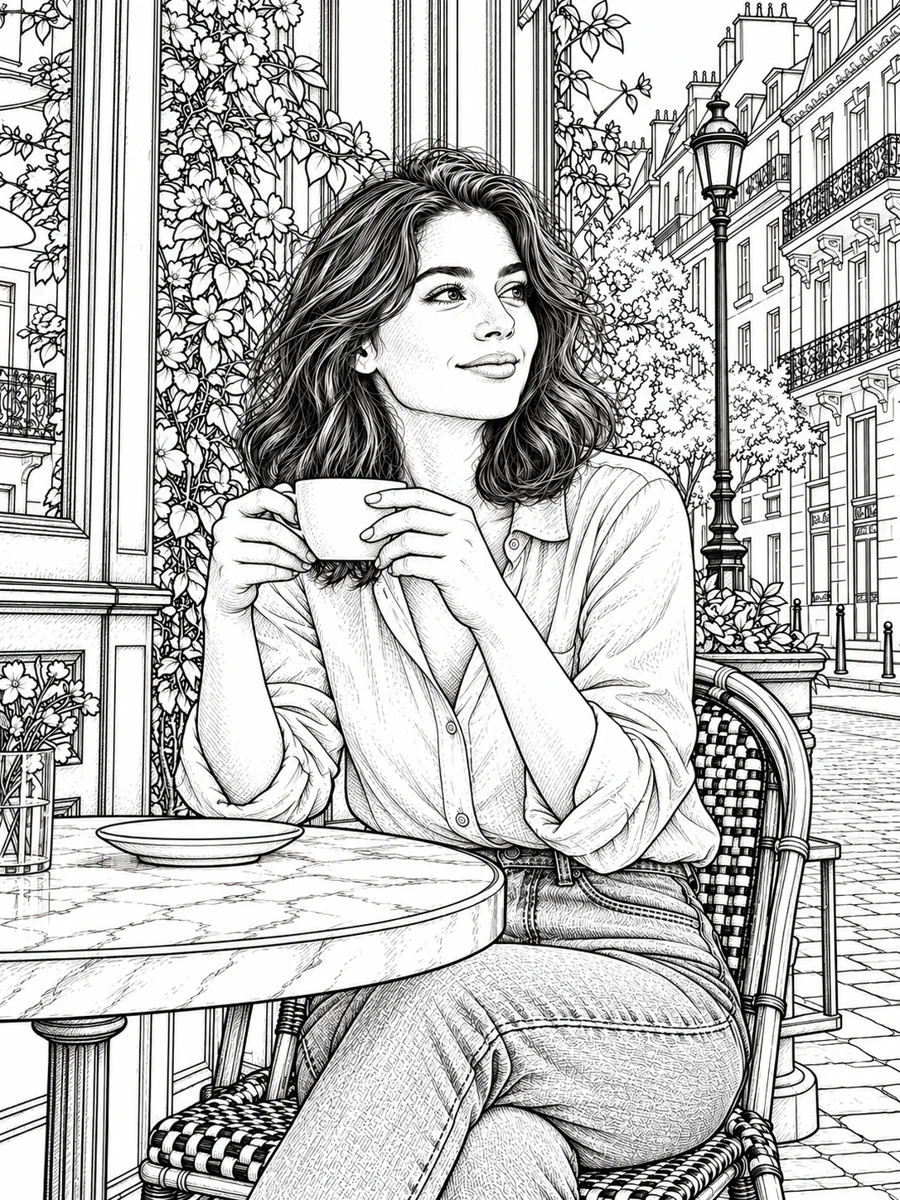
Give your picture a nostalgic illustrated feel. Organic ink contours and selective detail suit portraits, keepsakes, and decorative artwork.
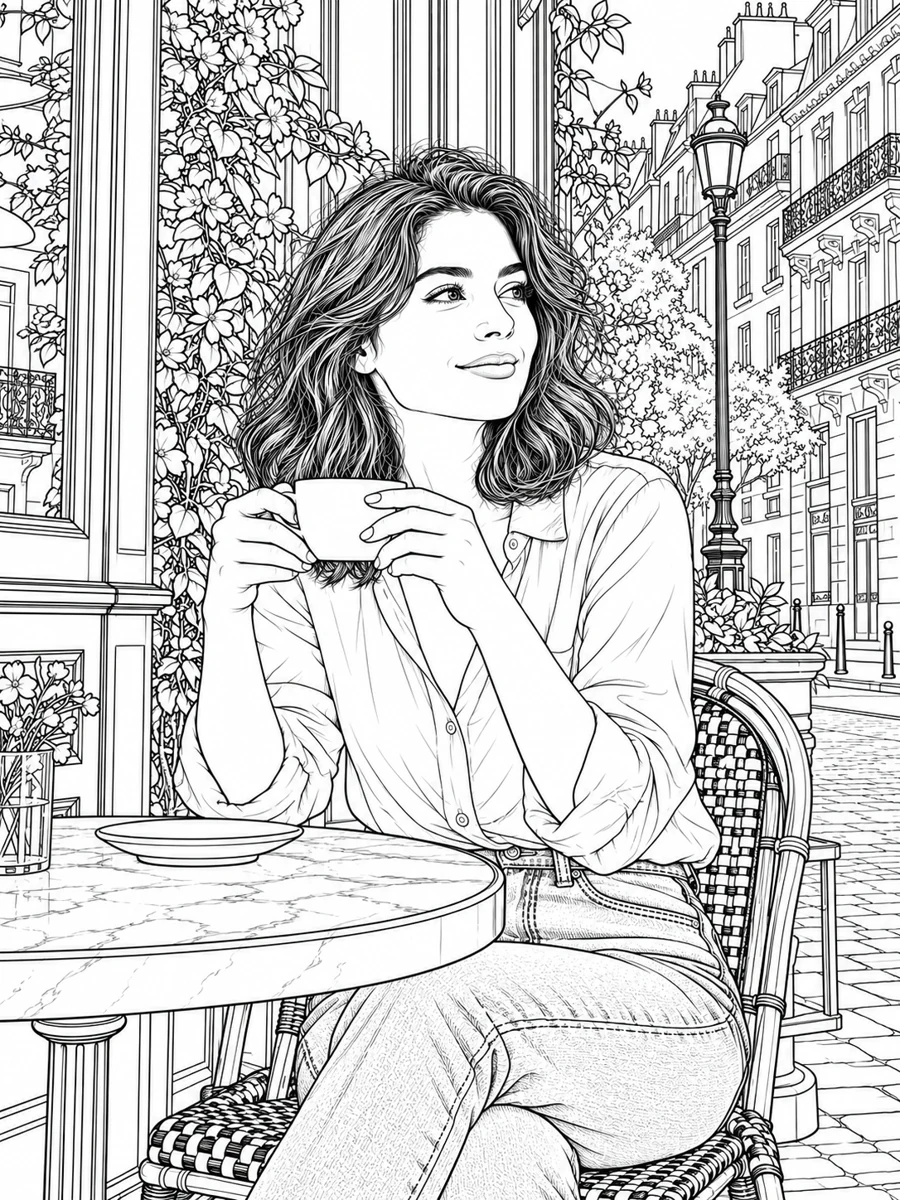
Preserve more contours, textures, and elements from the original scene. Choose it for architecture, landscapes, and intricate drawing references.
Use your own pictures as a starting point for sketching. An outline reference helps you focus on structure before adding shading, texture, and personal expression by hand.
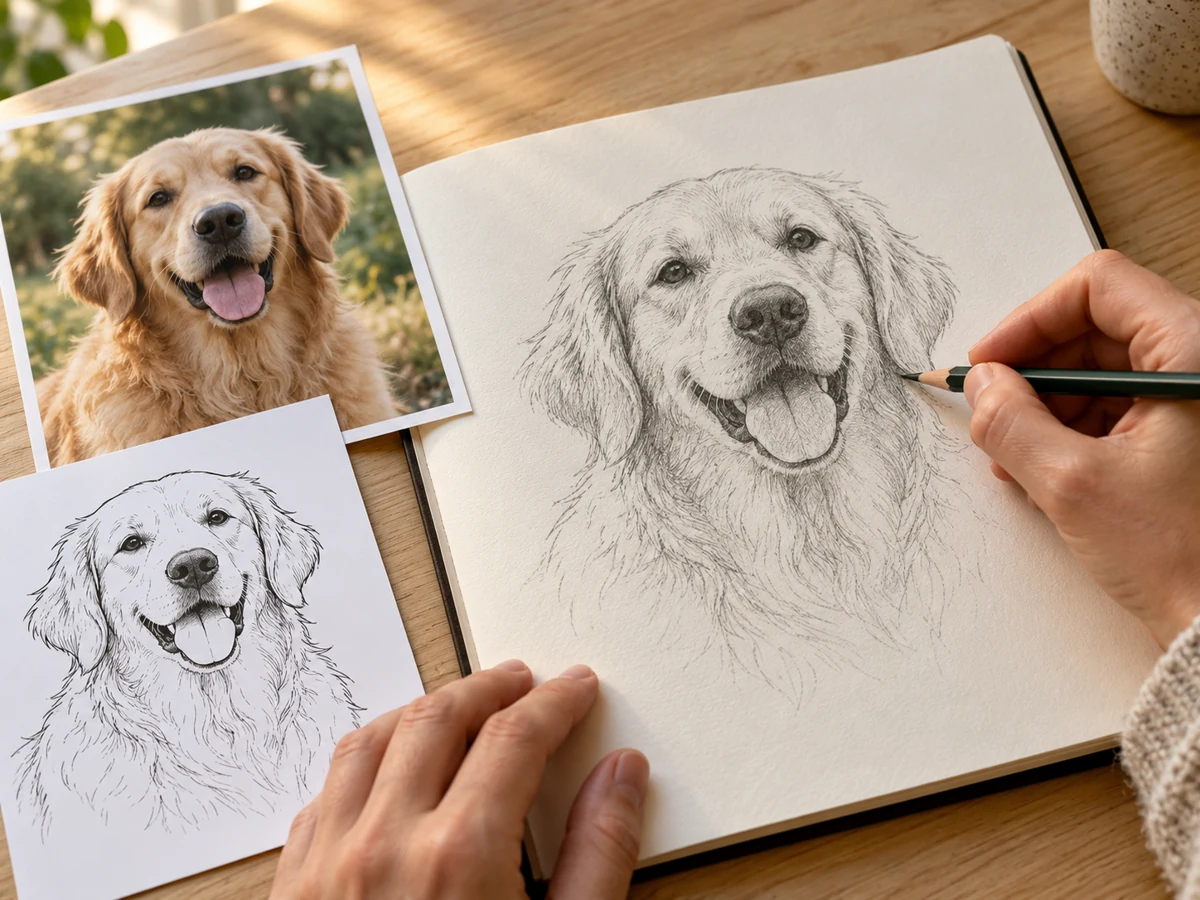
Explore facial proportions, silhouettes, and distinctive features. Start with a clear portrait or pet picture, then choose the style that captures the details you want to practice.
Choose Simplified to study the head shape and major features, or No Background to focus on the subject. Check eyes, ears, and facial proportions against the source photo: AI can reinterpret these details.
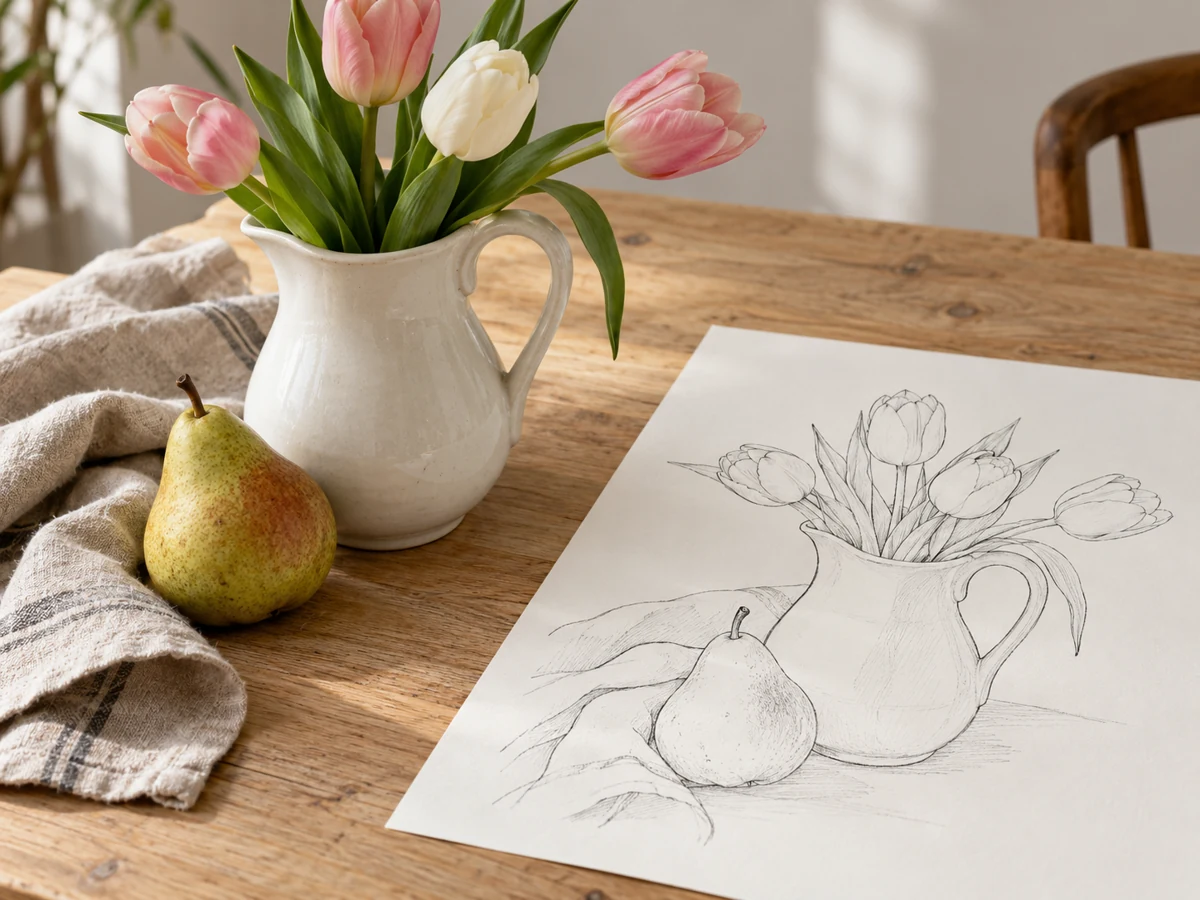
Study the contours of flowers, household objects, or a favorite arrangement. Crop your photo before uploading to make overlapping shapes easier to follow.
For a vase of flowers or overlapping objects, start with Simplified to follow the main contours. Use Full when you want more petal and leaf detail, then check which lines belong to each object.
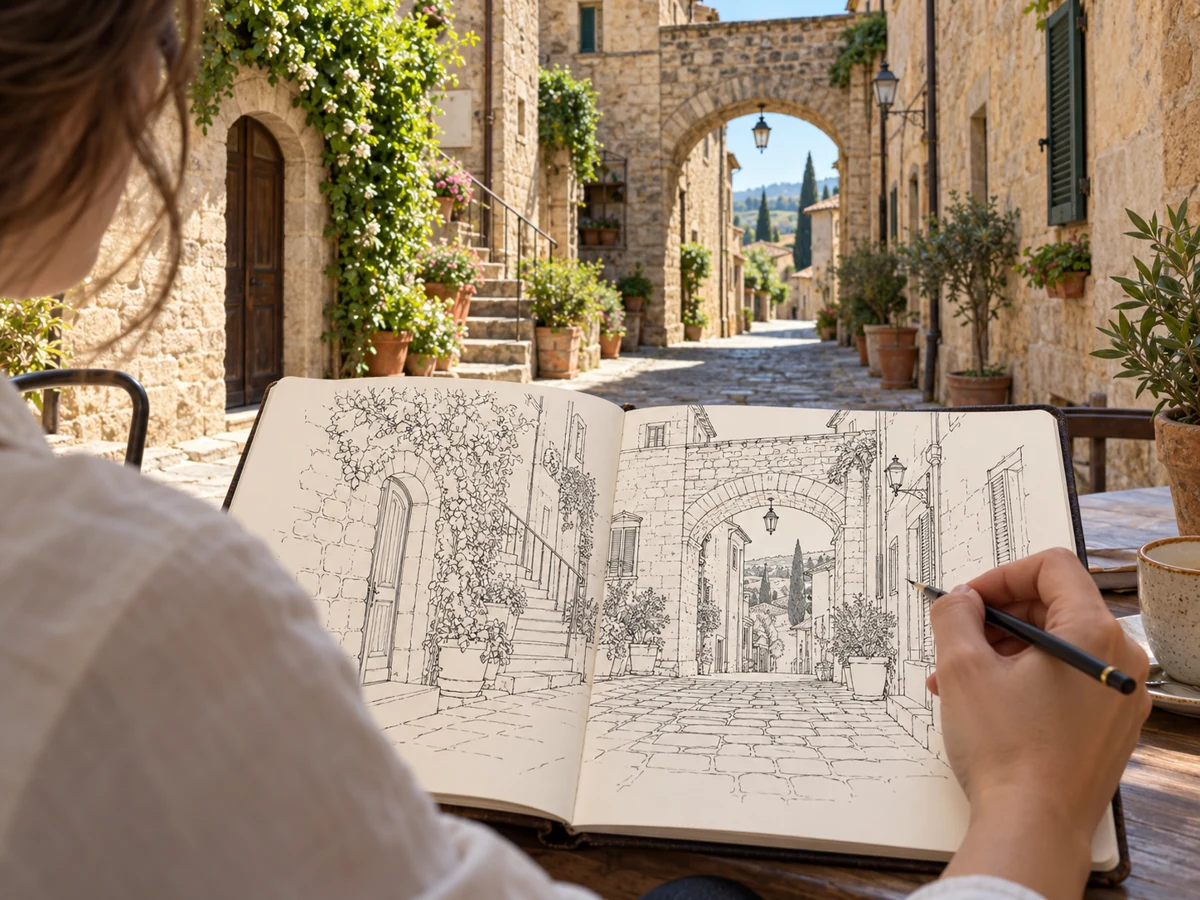
Break a complex scene into visible edges and larger forms. Compare Simplified and Full Line Art to find a useful reference for your drawing.
Use Full to retain more windows, stone edges, and foliage, or Simplified to focus on large forms. AI can alter straight lines and perspective; compare the result with your photo before using it as a drawing reference.
Well-lit pictures with visible edges provide a better starting point. Avoid heavy blur when you want recognizable contours and small details.
A distinct subject makes the drawing easier to read. Crop unnecessary surroundings before uploading, or choose No Background to emphasize the main subject.
Choose Simplified for fewer lines, No Background for a focused subject, Vintage for expressive ink contours, and Full for more scene detail. Always review the preview before printing.
Explore image to line art conversion with a picture that inspires you. Find your preferred style, download the result, and make it the starting point for your next drawing.
Create Line Art